

Table of Contents
ToggleIf you’ve just installed a security camera system, you’ve probably discovered that not all SD cards work equally well in this role. Standard SD cards designed for cameras or phones struggle with the constant, round-the-clock video writing that security systems demand. The wrong card can corrupt data, fail unexpectedly, or simply wear out in months instead of years. Choosing the best micro SD card for your security camera isn’t glamorous work, but it’s critical. This guide cuts through the specs and marketing language to show homeowners exactly what to look for when buying micro SD cards for continuous recording, event capture, and reliable storage.
Key Takeaways
- The best micro SD card for security cameras must support V30 or higher write speed and be specifically rated for surveillance use, not standard consumer cards designed for intermittent writing.
- Security cameras write video data continuously 24/7, which stresses SD cards far more than phones or traditional cameras, making specialized surveillance-grade cards essential for long-term reliability.
- Storage capacity directly determines footage retention—a 128 GB card holds about 25–30 days of 1080p recording, while 256–512 GB options extend retention to months and provide added peace of mind.
- Top surveillance-grade options include Samsung Pro Endurance and SanDisk High Endurance cards, both rated for up to 100,000 hours of recording and offering superior durability over consumer-grade alternatives.
- Always format the micro SD card within your security camera itself rather than on a computer, and replace cards every 3–5 years to prevent flash memory degradation and ensure continuous protection.
Why Micro SD Card Quality Matters For Security Systems
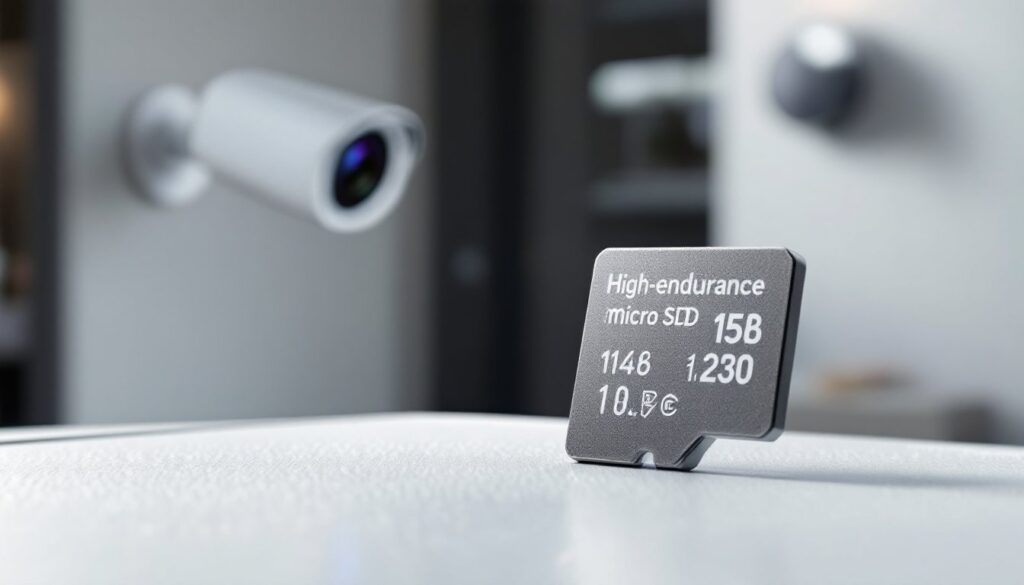
Security cameras operate differently than phones or traditional cameras. They don’t take occasional snapshots, they write video data continuously, 24/7, often overwriting old footage in a rolling loop. This constant, high-frequency write cycle stresses SD cards in ways normal use doesn’t.
Cheap or consumer-grade cards are built for intermittent writing. They’ll handle a few thousand writes before the flash memory begins degrading, and their controllers aren’t optimized for sustained workloads. Stick one in a security camera, and you’ll likely see corrupted files, dropped frames, or complete failure within months.
Cards designed for video surveillance use special firmware and flash architecture to handle millions of write cycles. They’re engineered to sustain the constant stream of data a security camera produces. The payoff: longer lifespan, fewer errors, and footage you can actually rely on when you need it. This is especially true for high-resolution systems or cameras recording at higher frame rates.
Your home security cameras depend on stable storage to do their job. A quality micro SD card is the invisible backbone that makes reliable recording possible.
Key Specifications To Look For In A Security Camera SD Card
When shopping for a security camera micro SD card, three specs matter most: speed class, write performance, and capacity. Skip marketing fluff and focus on these numbers, they directly affect how your camera performs.
Speed Class And Write Performance Requirements
Video Speed Class (V-Class) is your primary concern. This rating (V30, V60, V90) guarantees minimum sustained write speed, measured in megabytes per second (MB/s). For most modern security cameras, V30 (minimum 30 MB/s write speed) is the baseline requirement. If your camera shoots 4K or records at high bitrate, V60 (60 MB/s) provides headroom and reduces the risk of buffer overflow, which causes dropped frames and corrupted video.
Speed Class and Application Performance Class (A1 or A2) are different. A1/A2 ratings measure random input/output operations per second, important for app performance on phones, less critical for security cameras running steady video streams. Don’t confuse the two: a V30 card is what you want, even if it’s only A1.
Write endurance (sometimes listed as TBW, terabytes written) tells you how much total data the card can handle before failure. Security-focused cards often specify 10,000 to 100,000 full write cycles. Read this number: it correlates directly to lifespan in your camera.
Storage Capacity And Recording Duration
Capacity affects how long you can store footage before the card overwrites old video. A 128 GB card offers weeks of continuous 1080p recording: a 256 GB or 512 GB card extends that to months. The “right” size depends on your resolution, frame rate, and local storage needs.
Use this rough math: a 1080p camera recording at 30 fps consumes roughly 4–5 GB per day. A 128 GB card holds about 25–30 days of footage: 256 GB holds 50–60 days. If your system runs at 4K or higher bitrate, double these numbers. Higher capacities cost more upfront but give you longer retention and fewer worries about missing critical footage. CNET reviews and Digital Trends often compare real-world performance of surveillance-grade cards, which can help validate these estimates for your specific camera model.
Top Micro SD Card Recommendations For Security Cameras
Several manufacturers produce micro SD cards specifically tuned for video surveillance. Here’s what separates the best from the rest:
Samsung Pro Endurance cards are built explicitly for security and dash cam use. They come with V30 write speed, up to 256 GB capacity, and rated for up to 100,000 hours of full HD recording. The build quality is solid, and they’re widely available. They’re not the cheapest option, but they deliver reliability and longevity.
Kingston Canvas Go. Plus offers similar V30 performance and good endurance ratings at a slightly lower price point than Samsung. The read speeds are fast if you need to pull footage quickly: the write performance is stable under continuous load. Available up to 256 GB.
Sandisk Extreme microSD cards carry V30 rating and solid thermal management. They’re reliable for 1080p and light 4K work, though they’re more consumer-oriented than some surveillance-specific options. Still, many homeowners find them work well for casual camera setups.
SanDisk High Endurance is purpose-built for security and dash cams, with V30 performance and ratings up to 100,000 hours of HD video. It’s more expensive than standard SanDisk Extreme cards but worth the premium if your camera is running 24/7.
Avoid bargain no-name cards. They may meet V30 specs on paper but often fail to sustain performance under real-world continuous load. Tom’s Guide periodically tests and ranks these cards for surveillance use: their reviews offer real-world benchmarks worth consulting before buying.
How To Install And Maintain Your Security Camera SD Card
Installation is straightforward, but a few practices ensure the card stays healthy and lasts as long as possible.
Before inserting the card, power down your camera completely. Most cameras have a small slot, often labeled on the housing. Slide the micro SD card in gently until it clicks: you’ll feel a slight resistance, then a pop. Don’t force it, the connection is spring-loaded and will catch with light pressure. Power the camera back on and check that the system recognizes the card (most cameras display a confirmation or status LED).
Format the card in the camera itself, never on a computer. The camera’s firmware is optimized to structure the card for its specific file system and recording codec. PC or Mac formatting can create incompatibilities that lead to write errors or dropped recordings.
Monitor the card periodically. Most modern security systems display storage capacity in their app or web interface. When the card reaches 80–90% capacity, it’s not full yet, but performance can begin degrading. If your camera allows archival or cloud backup, use it to offload important footage before capacity becomes critical.
Replace cards every 3–5 years even if they still appear to work. Flash memory naturally degrades over time, and a surveillance card running 24/7 will reach its endurance limit faster than a card in a phone. Watch for signs of failure: corrupted files, missing recordings, or frequent freezing. When you see these, the card is near the end of life, replace it immediately before critical footage goes missing.
Temperature matters. Cameras in unheated garages or outdoor enclosures experience temperature swings. Surveillance-grade cards are rated for wider temperature ranges than consumer cards. If your camera sits in a hot attic or freezing garage, this is another reason to spend the extra money on a purpose-built card.
Conclusion
Selecting the best micro SD card for your security camera comes down to three principles: choose V30 or higher for write speed, pick a card rated for video surveillance rather than consumer use, and size it for the footage retention you actually need. A quality card costs $20–$50 more than a bargain option, but it pays for itself in reliability and peace of mind. Your security system is only as good as its storage, so don’t treat the SD card as an afterthought.