

Table of Contents
ToggleA 32 camera security system might sound like overkill for most homes, but the reality is more nuanced. Whether you’re protecting a large estate, a multi-building property, or simply want comprehensive coverage without blind spots, a 32 camera security system offers flexibility that smaller setups can’t match. The good news? Modern systems are easier to install and manage than ever before. This guide walks you through what these systems actually are, why they matter, what features matter most, and how to figure out if one makes sense for your home and budget.
Key Takeaways
- A 32 camera security system provides comprehensive multi-camera coverage across large properties, eliminating blind spots and offering redundancy that protects against single camera failure.
- IP-based NVR systems are easier to install and manage than older DVR systems, using network connectivity instead of extensive coaxial cable runs throughout your property.
- Resolution matters significantly—2K to 4K cameras provide superior detail for identifying faces and license plates, though they demand more storage and bandwidth than 1080p options.
- Hybrid storage solutions combining local drives with cloud backup offer the best balance, providing quick local access while protecting against theft and equipment failure.
- A 32 camera system typically costs $2,000–8,000 in hardware plus $1,500–5,000 for professional installation, but most homes benefit more from 8–16 strategically placed cameras that deliver 90% of the security benefit at half the cost.
What Is a 32 Camera Security System?
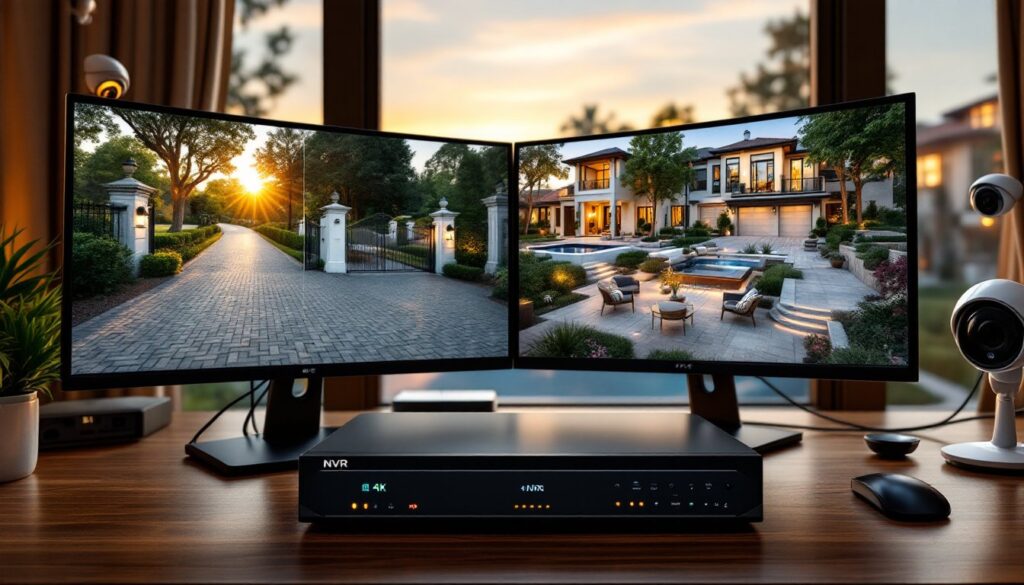
A 32 camera security system is a comprehensive surveillance setup capable of monitoring up to 32 cameras simultaneously through a single network video recorder (NVR) or digital video recorder (DVR). Unlike ring doorbells or single-camera solutions, these systems are designed to scale. They use a centralized hub to record, store, and manage video feeds from dozens of cameras spread across your property.
These systems come in two main types: NVR (Network Video Recorder) systems use IP cameras that send footage over your home network, while DVR (Digital Video Recorder) systems use analog or HD-over-coax cameras connected via cables to the central recorder. IP-based NVR systems are becoming the standard because they offer better image quality, remote viewing, and easier installation without running long coaxial cables throughout your home.
The “32 camera” designation refers to the capacity of the recorder itself, you don’t have to fill all 32 slots. Many homeowners start with 8–16 cameras and expand later. The system hardware typically includes the NVR/DVR unit (with built-in storage or expandable hard drives), cameras, cables or network connectivity, a power supply, and monitor or display option. Home Security Cameras: Essential Tips for Maximum Protection and Peace of Mind – Kleanhandsanitizer explains how camera placement and coverage patterns work in more detail.
Key Benefits of Multi-Camera Surveillance
The primary advantage of a 32 camera system is comprehensive coverage. Blind spots are the enemy of security, a determined intruder will find and exploit them. With enough cameras positioned strategically, you eliminate those gaps. You can cover all entry points (front door, back door, garage, side gates), perimeter areas, driveways, and even interior spaces like basements or garages.
Redundancy is another key benefit. If one camera fails or is damaged, you’ve got 31 others still recording. For valuable properties or those in high-risk areas, this reliability matters. You’re not dependent on a single camera angle for critical evidence.
A 32 camera system also allows you to mix camera types. You might use wide-angle cameras for perimeter overview, zoom cameras for entry monitoring, and infrared cameras for nighttime coverage. This flexibility lets you tailor each zone to its specific needs rather than compromising with a one-size-fits-all approach.
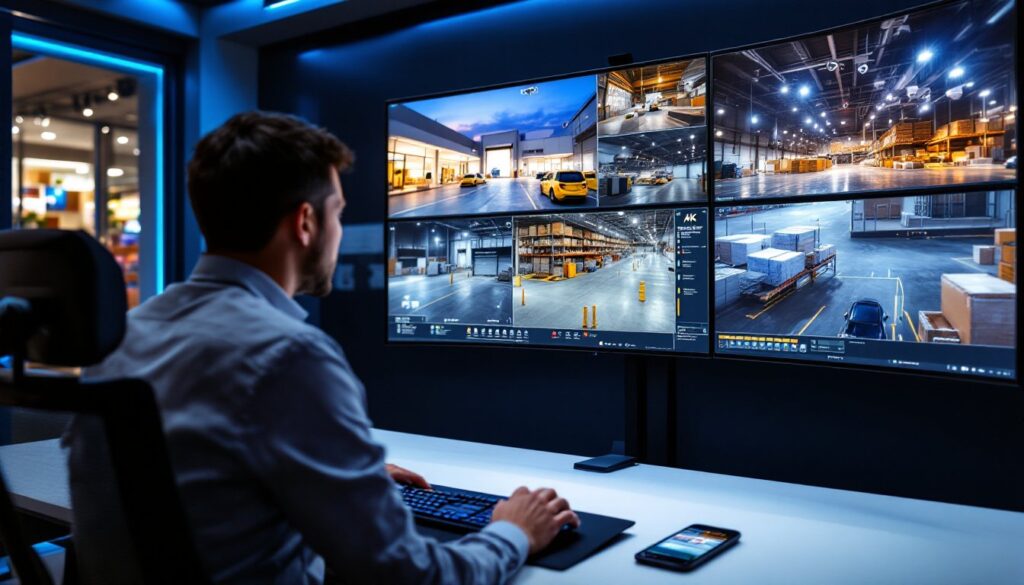
Remote monitoring is standard on modern systems. From your phone, you can check live feeds, review recordings, and receive alerts, all from anywhere with internet access. Many homeowners find this peace of mind worth the investment alone, especially when traveling or working away from home.
Essential Features to Look For
Resolution and Image Quality
Resolution is one of the first specs people check, and rightly so. Today’s standard is 1080p (2 megapixel) for budget systems and 2K (4 megapixel) to 4K (8 megapixel) for mid-range and premium setups. The higher the resolution, the more detail you capture, essential if you need to identify faces or read license plates.
For a 32 camera system, don’t cheap out on resolution. 1080p works for general intrusion detection and overview coverage, but if security is your priority, 2K or 4K cameras give you significantly better recognition capability. Keep in mind that higher resolution demands more storage and network bandwidth. A 4K camera generates roughly 4 times more data than 1080p, so factor that into your hard drive sizing and internet speed requirements.
Night vision is non-negotiable. Infrared (IR) LED cameras are standard: they switch to black-and-white night mode and illuminate the area with invisible infrared light. Some premium systems offer color night vision, which uses advanced sensors to capture color footage even in low light, useful for identifying clothing or vehicle colors. Decide what matters most for your property.
Storage and Cloud Options
Video storage is where systems get real. A 32 camera system recording continuously generates massive amounts of data. You have two main options: local storage (hard drives built into the NVR/DVR) or cloud storage (footage backed up to a cloud service).
Local storage is cheaper upfront and faster for playback. A typical setup uses one or more hard drives inside the recorder. For 32 cameras at 2K resolution recording 24/7, you’re looking at 6–12TB of storage for 7–30 days of continuous footage, depending on bitrate and compression. The advantage: no monthly fees, full control, and instant access. The downside: if someone steals the recorder, you lose your evidence.
Cloud storage solves the theft problem but introduces ongoing costs, typically $10–50/month per camera or bundles for multiple cameras. Services like Amazon AWS, Google Cloud, and brand-specific options handle backup automatically. You get redundancy and access from anywhere, but you’re dependent on your internet connection and the provider’s service uptime.
Most systems now offer hybrid approaches: local storage for 7–14 days plus cloud backup for longer retention or redundancy. This is often the sweet spot for homeowners. Verify the retention policy and playback speed before committing, slow cloud retrieval defeats the purpose when you need evidence quickly.
Installation and Setup Considerations
Installation difficulty depends on your system type. IP-based NVR systems are easier because cameras connect wirelessly (via WiFi or hardwired Ethernet). You position cameras, run power cables, and connect them to your network, no long surveillance cable runs required. Ethernet cabling is also neater and more reliable than coaxial cable for longer distances.
DVR systems with coaxial cables are more labor-intensive. You’ll run RG-59 or RG-6 coax cable from each camera location back to a central DVR hub. For a 32 camera system, this means potentially running dozens of cables through walls, ceilings, and conduit. Plan this carefully before cutting holes: poor cable runs become maintenance headaches.
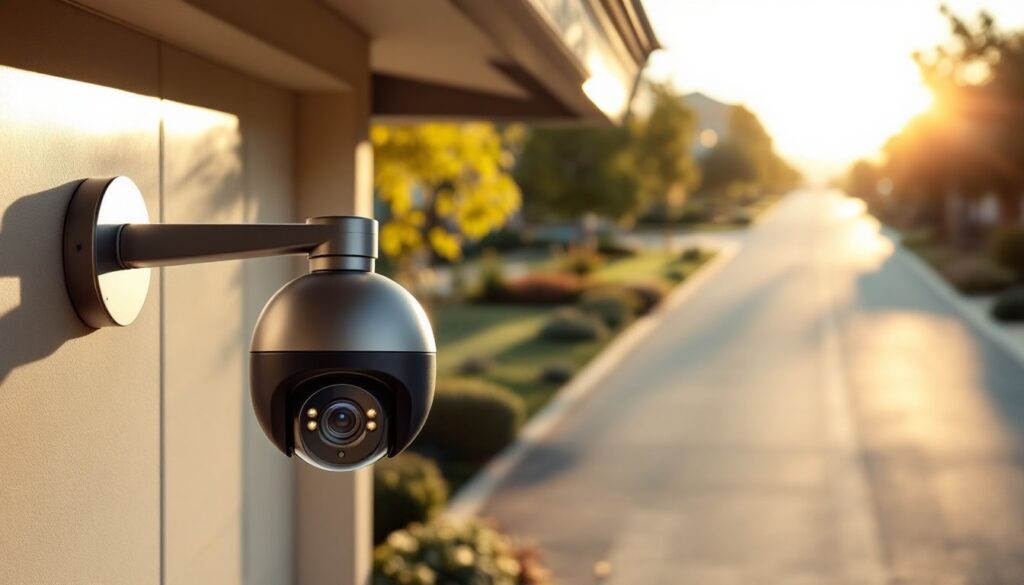
Camera placement requires honest assessment. You need line of sight to cover your intended zones. Check for obstructions, tree branches, gutters, or building elements block cameras. Consider the field of view: a 2.8mm lens is ultra-wide, a 4mm lens is standard, and 6mm or longer are more telephoto. Wider lenses mean you need fewer cameras: longer lenses mean better detail at distance but narrower coverage.
Power is critical. Each camera needs 12V DC power, typically supplied by a power supply in the NVR or via individual adapters. For a 32 camera system, use dedicated power runs or quality power distribution blocks, don’t daisy-chain adapters like they’re Christmas lights.
Network bandwidth matters for IP systems. A 2K camera uses roughly 2–5 Mbps depending on settings: a 4K camera uses 5–10 Mbps. Thirty-two 2K cameras demand 64–160 Mbps continuously. Most home internet handles this, but verify your upload speed if using cloud backup. Gigabit Ethernet networking (1000 Mbps) is now standard and recommended for stable performance.
If you’re not comfortable drilling, running cables, or diagnosing network issues, hiring a Home Security Cameras Installation: professional is wise. Installation costs typically run $1,500–5,000 depending on cable runs and complexity. It’s not cheap, but a botched DIY install costs more to fix.
Cost and ROI for Your Home
A 32 camera system’s cost breaks down into hardware, installation, and ongoing costs. Hardware alone ranges from $2,000–8,000+ for the recorder, cameras, cables, and accessories. Budget systems at the lower end use 1080p cameras and basic recorders: premium setups include 4K cameras, larger storage, and redundant power supplies.
Installation adds $1,500–5,000 if you hire professionals, or $0 if you’re comfortable doing it yourself. Factor in time and any specialized tools you might need to rent.
Ongoing costs depend on your storage choice. Local storage has no monthly fees beyond occasional hard drive replacement. Cloud storage runs $10–50/month per camera or $200–1,000/month for 32 cameras, significant over time. Many homeowners split the difference with a hybrid approach.
Return on investment (ROI) is harder to quantify. Insurance companies may offer 5–15% discounts on premiums for homes with professional-grade systems (verify with your provider). The real value is deterrence and evidence. A visible security system discourages most casual burglars. If a break-in occurs, high-resolution footage dramatically improves police investigation and prosecution odds.
For insurance claims, clear footage showing the theft, damage, or incident is invaluable. For peace of mind while traveling or at night, many homeowners feel the cost is justified immediately. Resources like Tom’s Guide and Digital Trends publish annual comparisons of commercial and residential systems to help narrow your choice.
If you’re considering this level of investment, start by auditing your actual security needs. A 32 camera system makes sense for large estates, rental properties, businesses operating from home, or properties in high-risk areas. For a typical suburban home, 8–16 well-placed cameras often deliver 90% of the benefit at half the cost. Don’t buy capacity you won’t use.